

Organizing events involves a series of repetitive and logistical tasks that can take up a lot of your time. And they don’t have to be on your mind.
For your peace of mind and productivity, there are free tools that help you organize, present, and connect professionally, without complications.
Here are seven essential tools, why they are useful, and how to get the most out of them:
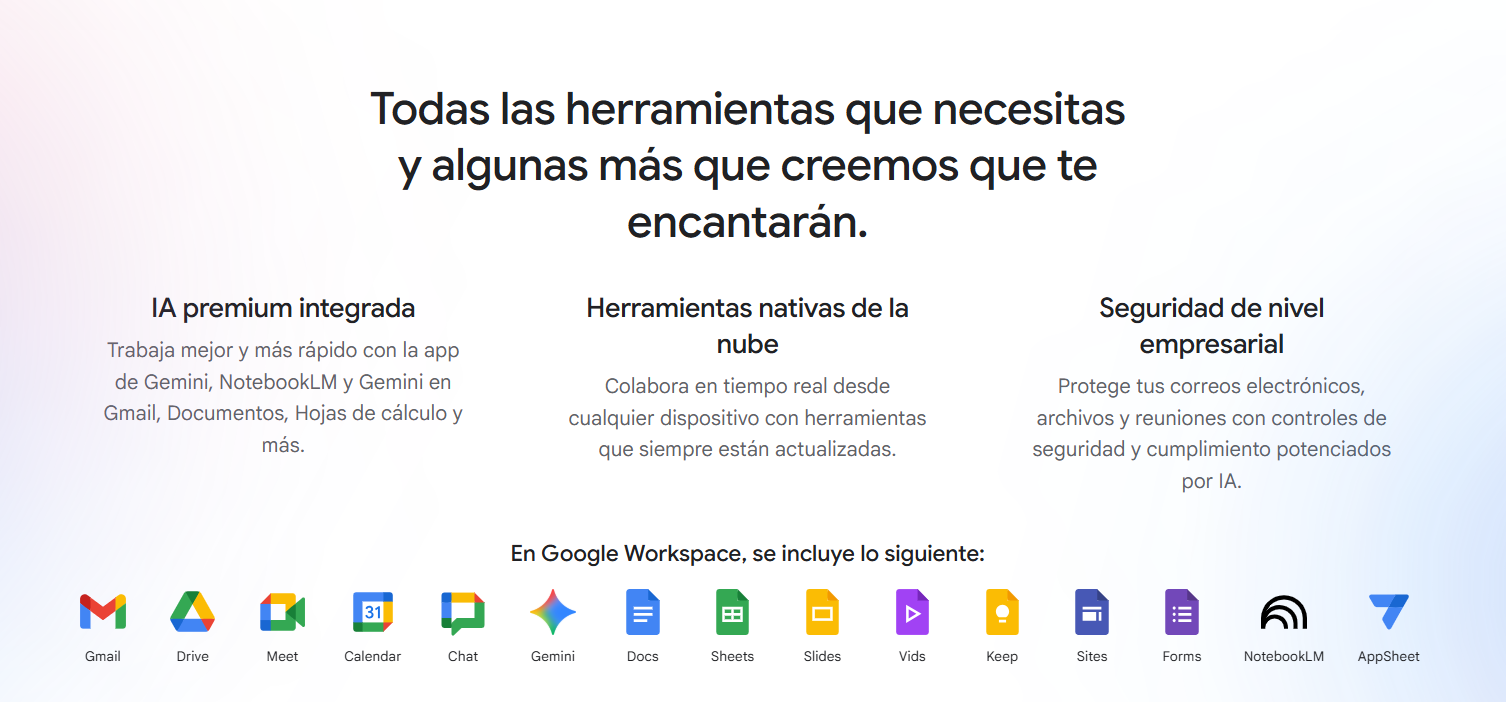
1. Google (Gmail, Forms, Calendar)
With Gmail, you can automate responses; Forms allows you to capture information through registration forms; and Calendar integrates everything to schedule dates.
Practical tip: Use Google Calendar + Google Meet and enable the “Automatic invitation” option from a form to save a lot of time coordinating appointments.
2. Gamma
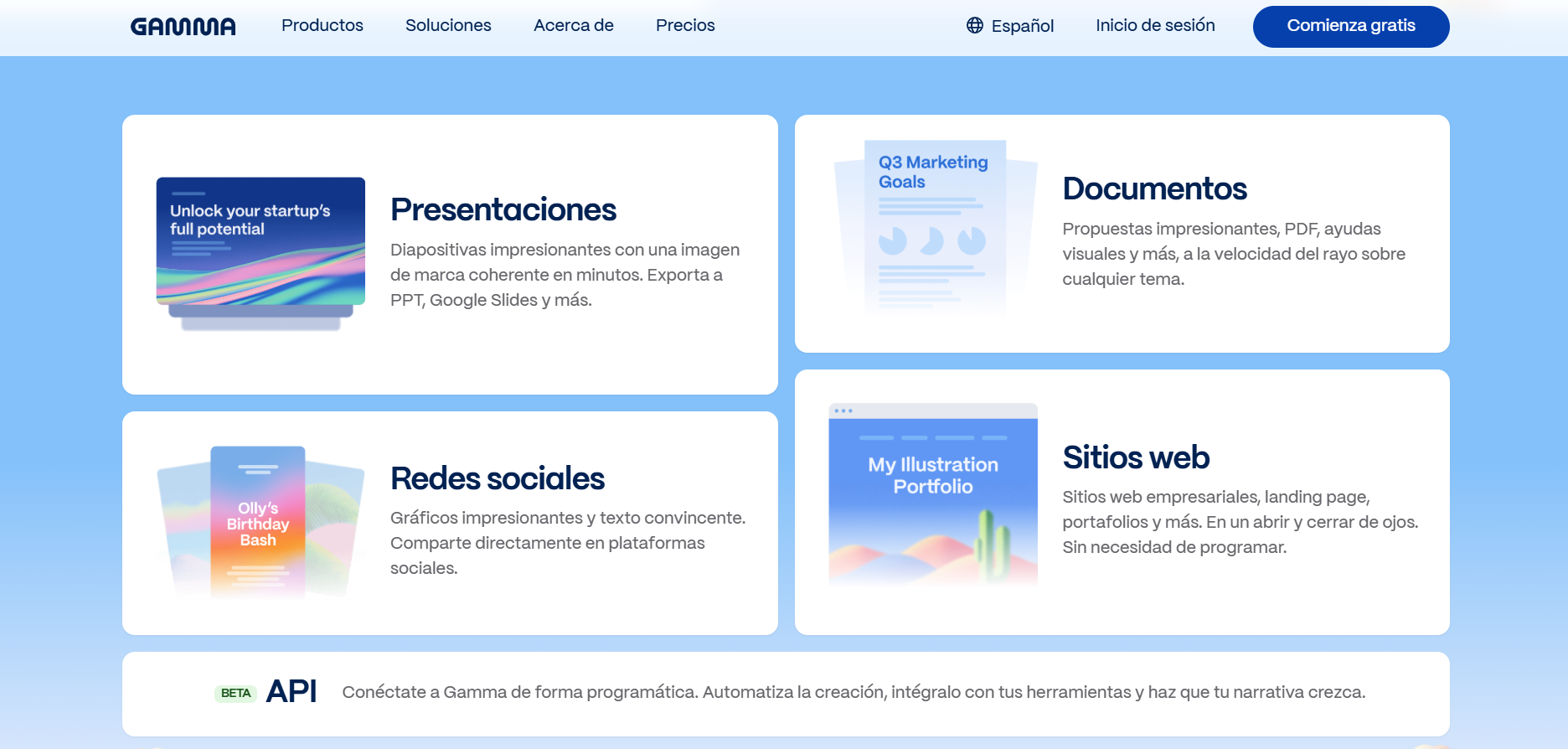
Gamma is an AI platform that generates professionally designed presentations, documents, or websites from simple ideas. Just type in your concept and Gamma will do the rest. You can export to PowerPoint or Google Slides. Perfect for visually appealing proposals without the need for manual design.
3. Claude (AI)
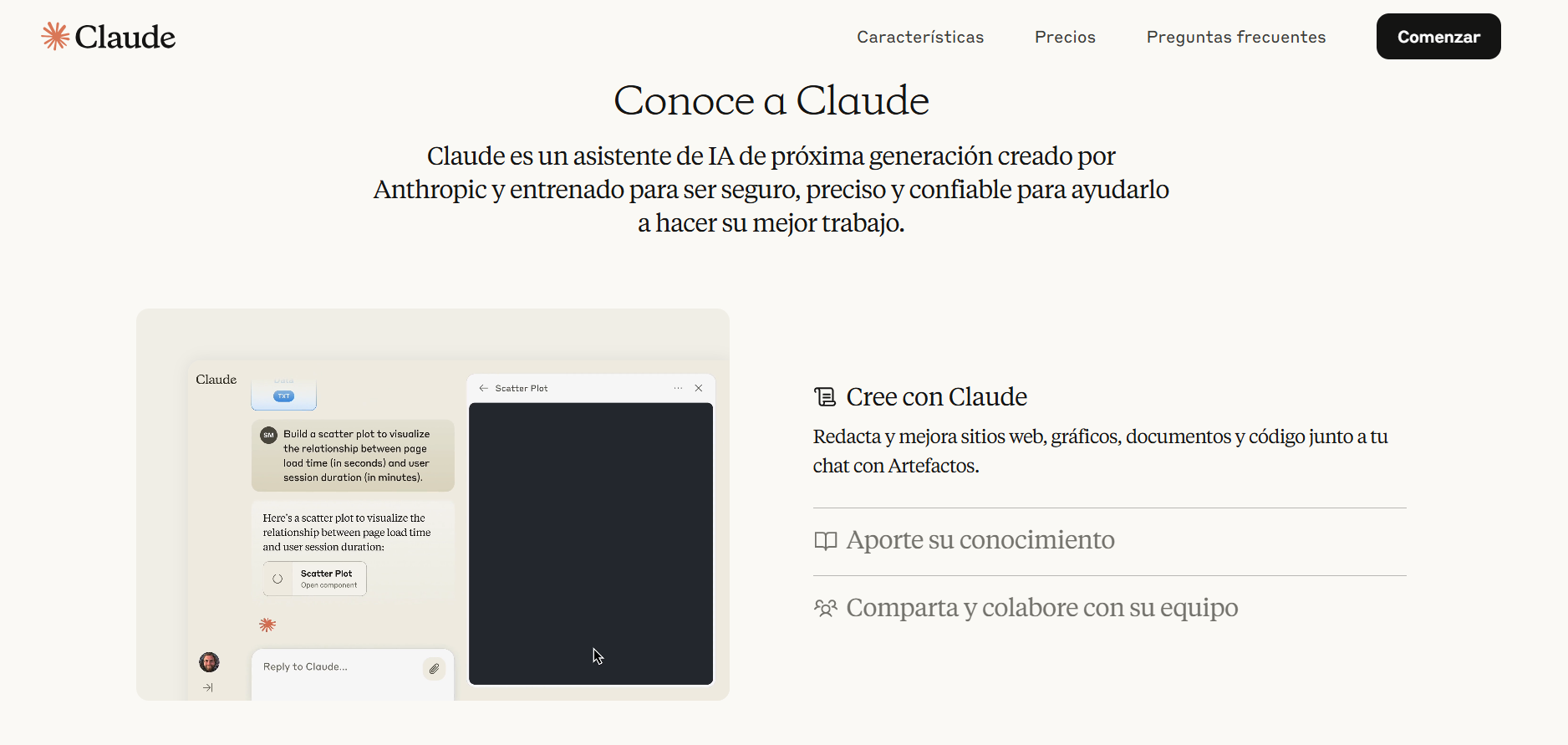
Claude is a conversational artificial intelligence created by Anthropic. It stands out for its accuracy and ethical responses, making it ideal for summarizing notes, writing emails, or generating creative ideas. It is especially useful if you need to transform quick ideas into organized content.
4. Luminancia
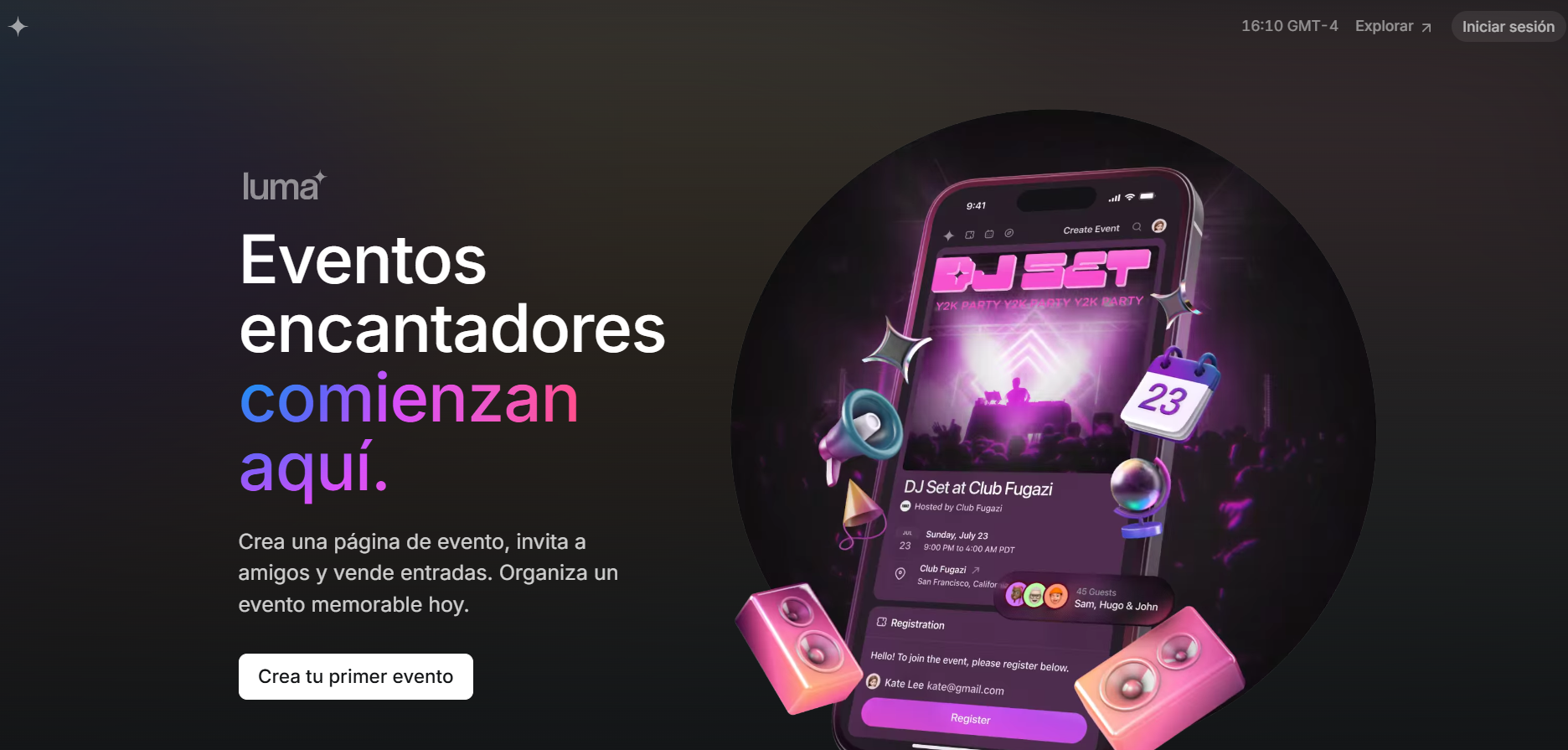
Luma allows you to create professional, branded registration pages and sell event tickets, all from a single platform. It is ideal for launching events, promoting them, and managing registrations in a visual and professional manner.
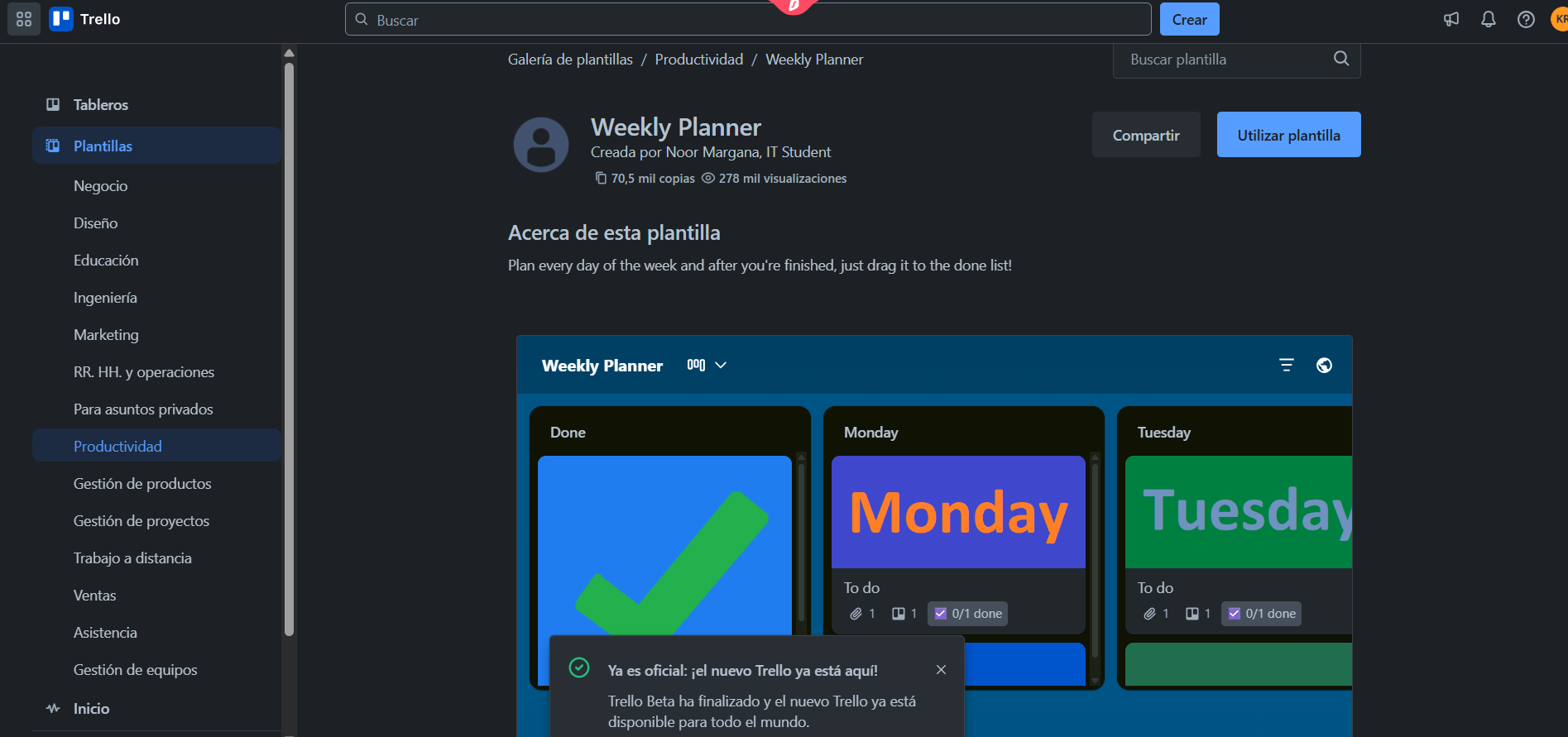
5. Trello
Trello is a project management tool based on boards, lists, and cards. It helps you organize events by stages, assign tasks, dates, and collaborators, with a simple interface that clearly reflects the progress of each project.
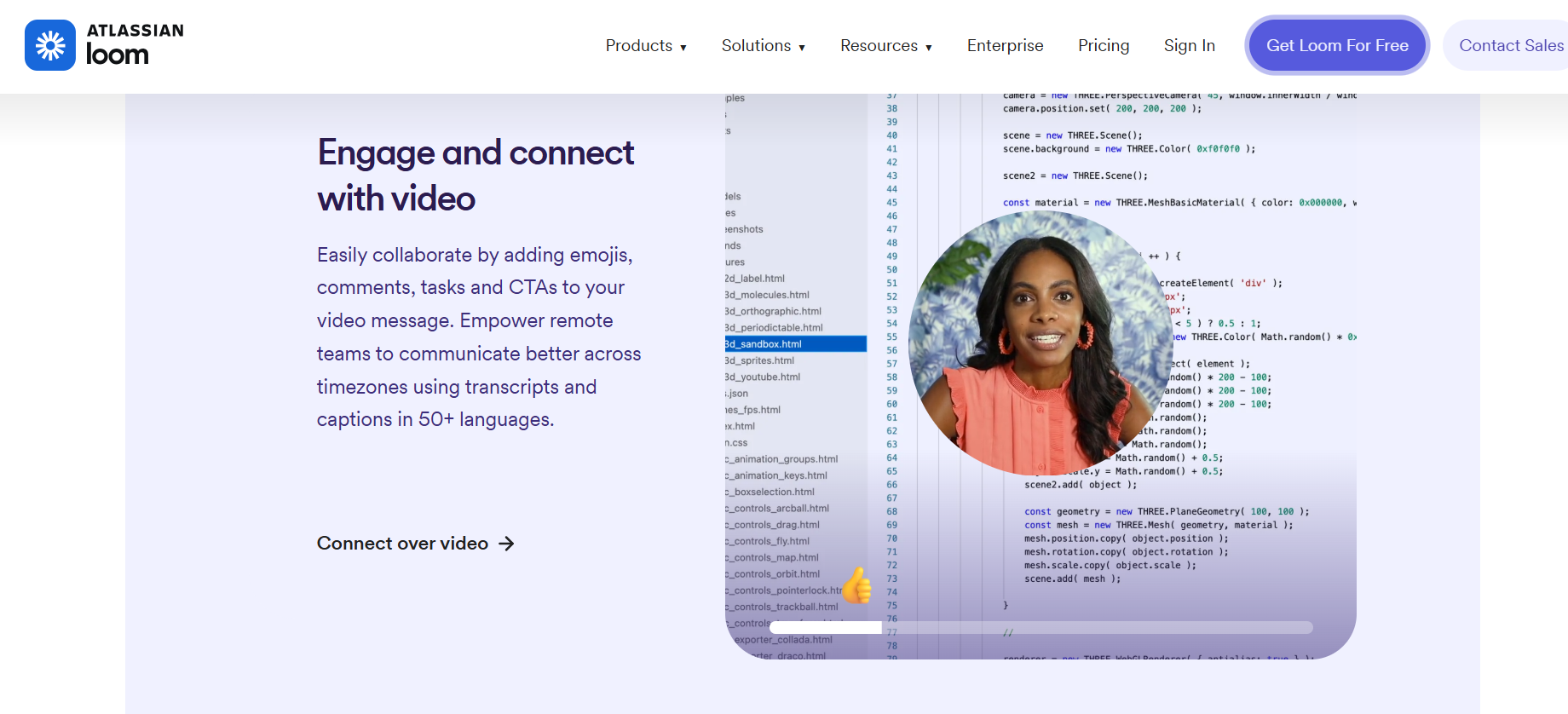
6. Loom
With Loom, you can record explanatory videos of proposals, quotes, or project follow-ups and share them with a link. It’s an effective way to add clarity and professionalism to your communications without unnecessary meetings.
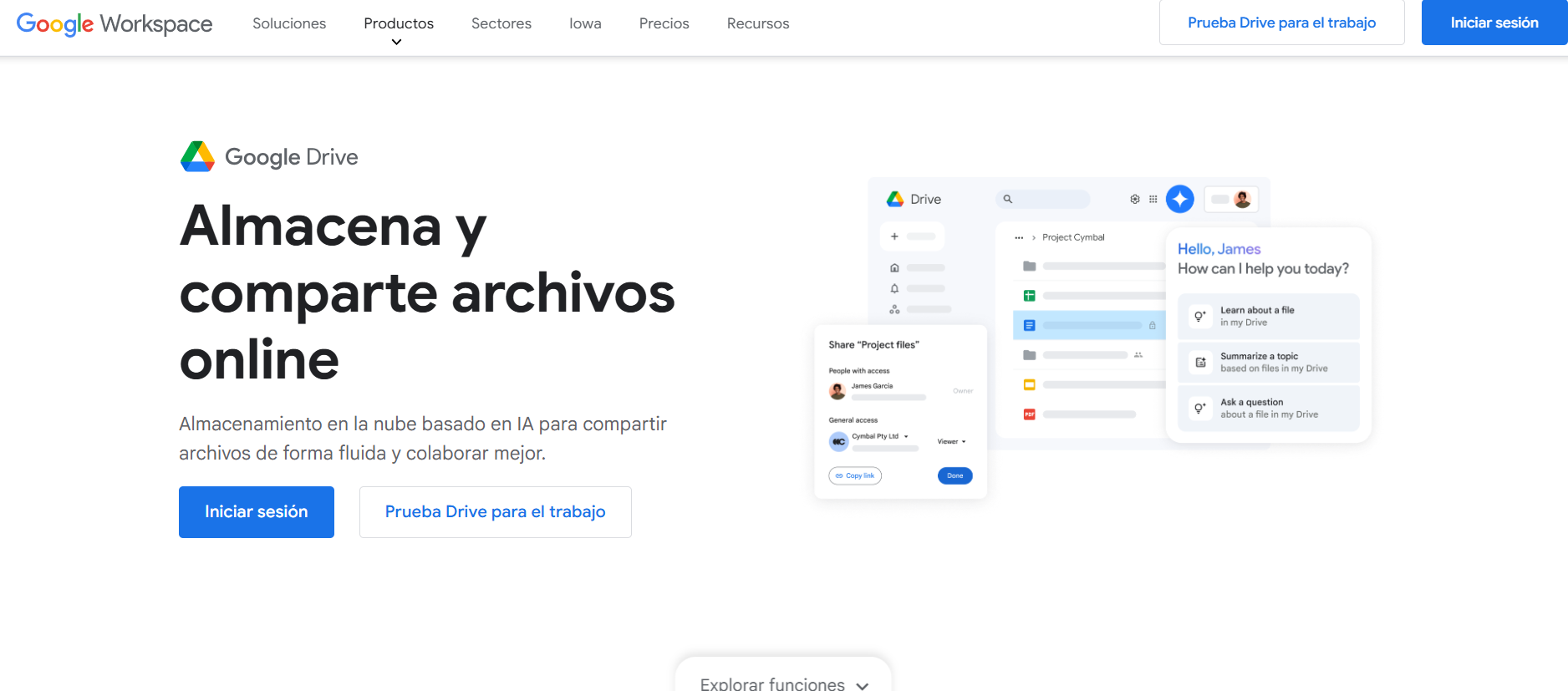
7. Google Drive
Google Drive is essential for centralizing documents, photos, presentations, and budgets. Organize them into shared folders and use colors or symbols to quickly identify them.
Why do these tools work together?
| Advantage | Detail |
| No upfront cost | All of them offer free plans that are sufficient to get started. |
| Time savings | From automated registration to instant submission. |
| Scalability | You can delegate tasks to virtual assistants or integrate systems later on. |
| Professionalism | The tools enhance your image without the need for manual design or technical staff. |
What should I do now?
- Choose one or two that meet your current needs.
- Set up a minimum viable and fast workflow and start using it.
- Once it’s up and running, document the process.
- If you later decide to scale up or delegate, you’ll already have a structured foundation to do so.
Automating your chaos allows you to focus on what really matters: creating memorable experiences. Save this article and share it if you are an event planner looking for simplicity and efficiency.
Want to start automating your business?
If you’re ready to stop wasting time on repetitive tasks and start scaling your business in an organized way, you can book a personalized consultation with Karen Escalona, a specialist in CRM and automation for small businesses.
In this session:
- You will analyze your current processes.
- You will identify what you can automate immediately.
- You will receive specific recommendations based on the status of your business.
Schedule it here and take the first step toward a more efficient and professional operation.